Ultimate App Icon & Screenshot Generator for Figma
Save time creating app store assets with this free Figma Community file
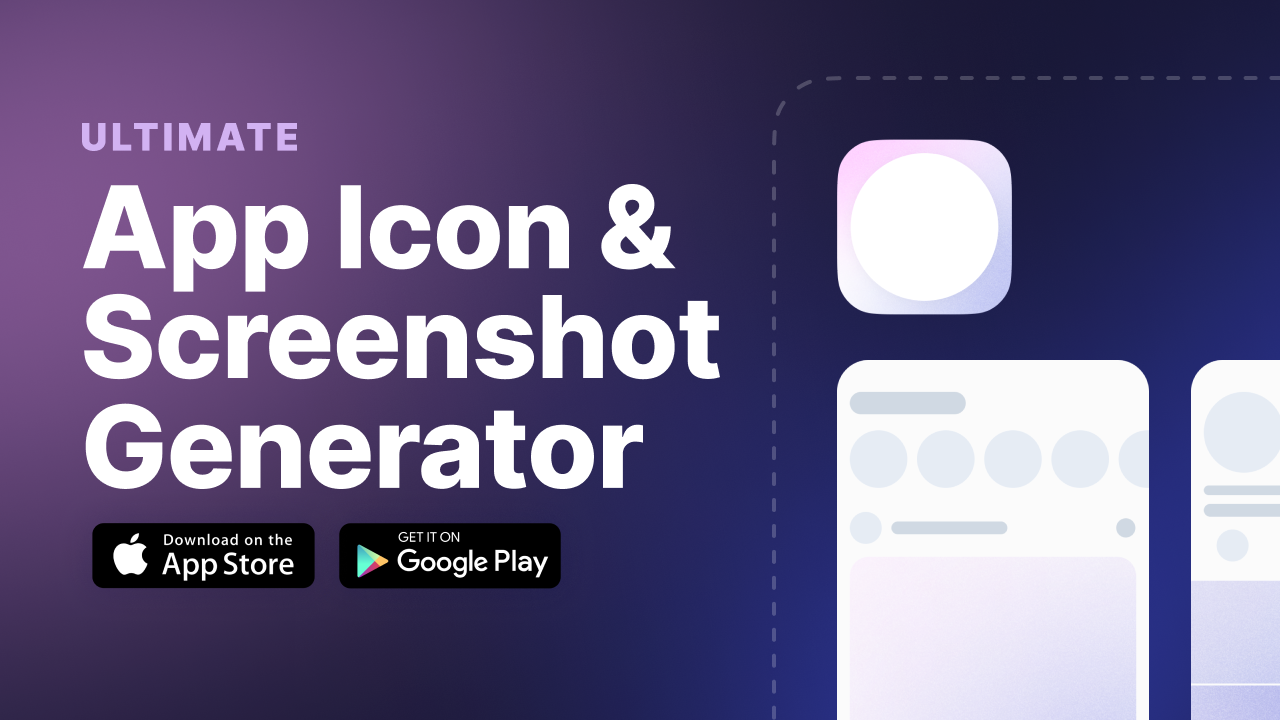
Spend more time creating beautiful app store artwork for your next app rather than figuring out if you made everything in the correct size.
- Quickly generate ready-for-handoff app store screenshots and icons
- Design and export screenshots for iOS and Android in one file
- Design once and tweak the rest. The first screen size format is built as a component to make updating each screen size fast and consistent.
- Support for iPhone 6 through iPhone 14 Pro Max
- Updated regularly (v1 September 2022)
I created this file because I wasted so much time searching for the right sizes to design and export. Really, I created this free Figma file to make the process easier for me each time I work on a new app design for a client or full-time role.
These are all of the iPhone screenshot sizes accounted for in the template:
| Device Size | Device | Portrait Screenshot | Landscape Screenshot |
|---|---|---|---|
| 6.5 inch | iPhone 13 Pro Max, iPhone 12 Pro Max, iPhone 11 Pro Max, iPhone 11, iPhone XS Max, iPhone XR | 1284 x 2778 pixels & 1242 x 2688 pixels | 2778 x 1284 pixels & 2688 x 1242 pixels |
| 5.8 inch | iPhone 13 Pro, iPhone 13, iPhone 13 mini, iPhone 12 Pro, iPhone 12, iPhone 12 mini, iPhone 11 Pro, iPhone XS, iPhone X | 1170 x 2532 pixels, 1125 x 2436 pixels, 1080 x 2340 pixels | 2532 x 1170 pixels, 2436 x 1125 pixels, 2340 x 1080 pixels |
| 5.5 inch | iPhone 8 Plus, iPhone 7 Plus, iPhone 6s Plus | 1242 x 2208 pixels | 2208 x 1242 pixels |
| 4.7 inch | iPhone SE (2nd generation & 3rd generation), iPhone 8, iPhone 7, iPhone 6s, iPhone 6 | 750 x 1334 pixels | 1334 x 750 pixels |
Things are a little simplier for Android! You just need the following to upload your screenshots to the Google Play Store.
- Four screenshot minimium
- 1080px minimum resolution
- 1920x1080px screenshot size for landscape
- 1080x1920px screenshot size for portrait
Download a your free copy of the Ultimate App Icon and Screenshot Generator for Figma